Run Linux in browser environments have become increasingly popular for developers, students, and IT professionals who want quick access to Linux without installing a full operating system.
Instead of downloading ISO files, creating virtual machines, or modifying your system, it is now possible to run Linux in browser environments directly online. Platforms like OnWorks, part of the OffiDocs ecosystem, allow users to launch Linux desktops from a web browser in seconds.
This approach makes Linux much more accessible, especially for learning, experimentation, and lightweight workflows.
What does it mean to run Linux in browser environments?
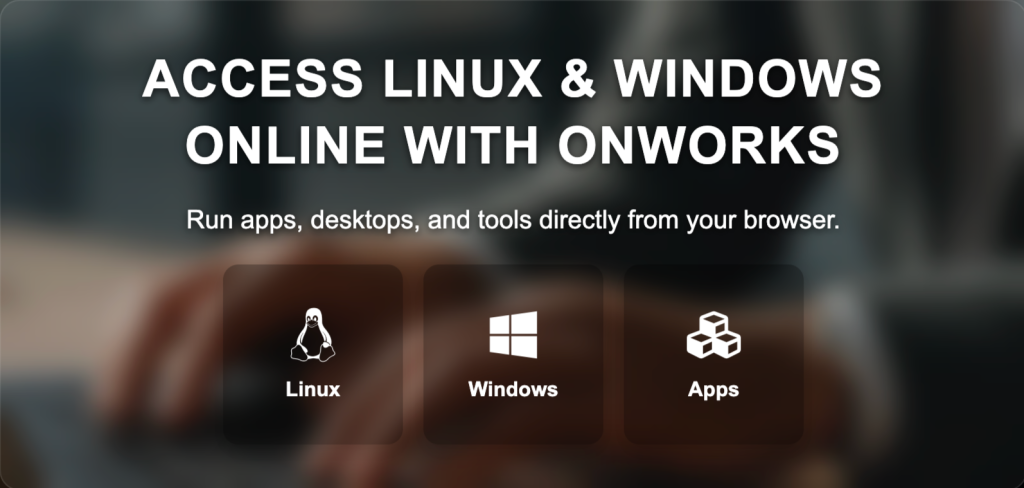
To run Linux in browser environments, the Linux system itself runs on remote servers rather than on your local computer. Your browser simply displays the Linux desktop or terminal interface through a remote connection.
From the user’s perspective, it feels similar to accessing a remote computer.
Inside the browser you can:
- open a Linux desktop environment
- use the terminal
- run commands
- explore files and directories
- test applications and Linux tools
All of this happens without installing any software locally.
What to expect when running Linux in the browser.
While the ability to run Linux in browser environments is extremely convenient, it is important to understand how these systems work.
They are designed primarily for accessibility, testing, and learning rather than heavy computing workloads.
Performance.
When you run Linux in browser sessions, performance depends mostly on:
- internet connection speed
- server load
- the Linux distribution being used
For most tasks such as testing commands, navigating the desktop, or exploring Linux tools, performance is generally smooth.
However, tasks that require intensive CPU or GPU resources may run slower than on a local installation.
Temporary sessions.
Many browser-based Linux environments operate as temporary sessions.
This means the system starts when you open the environment and may reset once the session ends.
For testing and experimentation, this is usually sufficient.
Hardware limitations.
Because the Linux system runs remotely, direct access to local hardware such as GPUs, USB devices, or specialized peripherals is typically limited.
This is a normal characteristic of cloud-based environments.
Common reasons people run Linux in browser environments.
The ability to run Linux in browser environments is useful in several real-world situations.
Testing Linux distributions.
Many users want to explore Linux distributions before installing them locally.
With OnWorks, users can launch a Linux desktop environment directly in the browser and explore how the system works.
This makes it easier to understand Linux without changing the current operating system.
Learning Linux.
Students and beginners often find Linux installation complicated.
Running Linux in the browser removes this barrier.
Users can practice commands, explore the Linux file system, and learn how Linux works without dealing with installation or system configuration.
Using Linux on restricted computers.
In schools, corporate environments, or public computers, installing software is often not allowed.
Because OnWorks allows users to run Linux in browser sessions, Linux environments can still be accessed without installation permissions.
As long as a browser is available, Linux can be launched.
Quick experiments and testing.
Developers and IT professionals sometimes need to test commands or configurations quickly.
Launching a full virtual machine can take time, but opening a browser-based Linux environment takes only seconds.
How OnWorks helps run Linux in browser environments.
OnWorks is one of the most accessible ways to run Linux in browser environments.
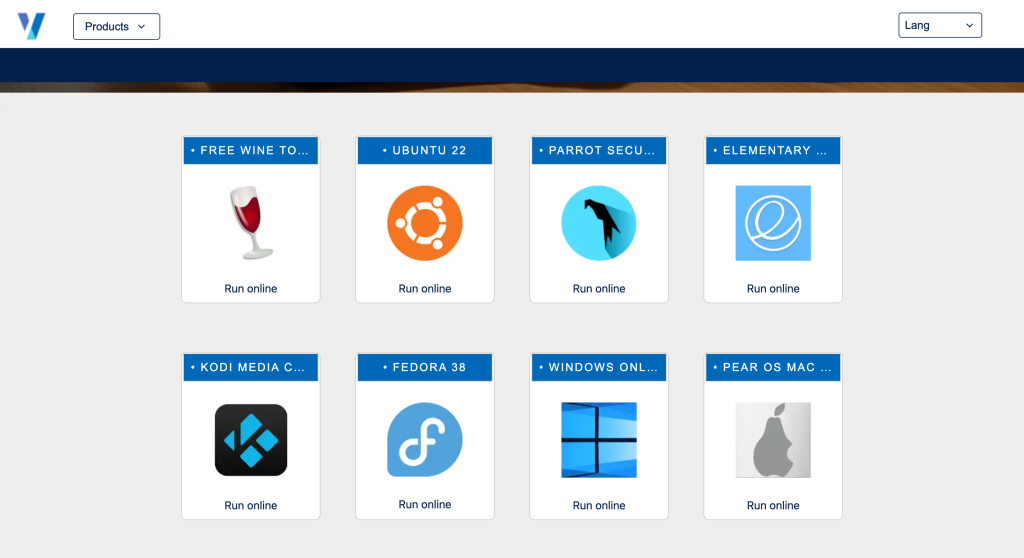
It provides online Linux desktops that can be launched directly from a browser.
Users can interact with a Linux environment almost exactly as they would on a local system.
Inside OnWorks you can:
- access Linux desktops
- open terminal sessions
- run Linux commands
- explore the system environment
- test software and utilities
Because the environment runs remotely, there is no need for installation or local configuration.
Integration with the OffiDocs ecosystem.
One advantage of using OnWorks is its integration with the broader OffiDocs ecosystem.
OffiDocs offers several browser-based tools that complement Linux environments.
For example:
MegaDisk allows users to store files in the cloud and access them easily from online environments.
This can be useful for storing scripts, configuration files, or documents that may later be used inside a Linux session.
Another tool, RedCoolMedia, provides media conversion and processing directly in the browser without installing software.
Together, these tools enable lightweight workflows entirely online.
Discovering tools with GoSearch.
The OffiDocs ecosystem also includes GoSearch, a search tool designed to help users discover applications and utilities available in the platform.
GoSearch allows users to quickly locate tools for development, file management, media conversion, and productivity.
This makes it easier to build workflows that combine Linux environments with other browser-based tools.
Why browser-based Linux is becoming more popular.
The web browser is gradually becoming the central workspace for many digital activities.
Users can now collaborate, edit documents, manage files, and even run operating systems entirely online.
Being able to run Linux in browser environments fits naturally into this trend.
It reduces technical barriers, simplifies experimentation, and allows Linux environments to be accessed from almost any device.
Conclusion.
Being able to run Linux in browser environments provides a flexible way to explore Linux without installing anything locally.
For learning, experimentation, and quick access to Linux tools, platforms like OnWorks offer a practical solution.
Combined with other tools in the OffiDocs ecosystem such as MegaDisk and RedCoolMedia, it becomes possible to work, store files, and explore Linux entirely from the browser.