


This is the Windows app named Easy IPChange whose latest release can be downloaded as ipchange.bat. It can be run online in the free hosting provider OnWorks for workstations.
Download and run online this app named Easy IPChange with OnWorks for free.
Follow these instructions in order to run this app:
- 1. Downloaded this application in your PC.
- 2. Enter in our file manager https://www.onworks.net/myfiles.php?username=XXXXX with the username that you want.
- 3. Upload this application in such filemanager.
- 4. Start any OS OnWorks online emulator from this website, but better Windows online emulator.
- 5. From the OnWorks Windows OS you have just started, goto our file manager https://www.onworks.net/myfiles.php?username=XXXXX with the username that you want.
- 6. Download the application and install it.
- 7. Download Wine from your Linux distributions software repositories. Once installed, you can then double-click the app to run them with Wine. You can also try PlayOnLinux, a fancy interface over Wine that will help you install popular Windows programs and games.
Wine is a way to run Windows software on Linux, but with no Windows required. Wine is an open-source Windows compatibility layer that can run Windows programs directly on any Linux desktop. Essentially, Wine is trying to re-implement enough of Windows from scratch so that it can run all those Windows applications without actually needing Windows.
SCREENSHOTS
Ad
Easy IPChange
DESCRIPTION
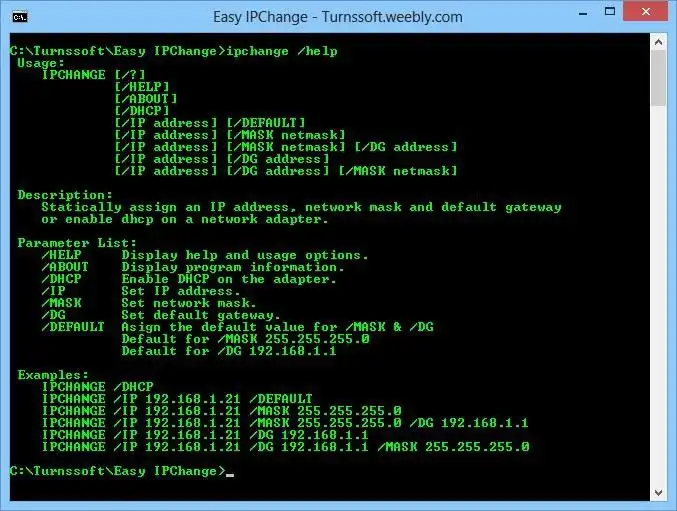
Are you tired of manually changing your IP Address? All that left clicking then right clicking through menu's - don't get me started on the tabbing too...well I am tired of it!That's why I developed Easy IPChange a light, fast and easy to use script to quickly change the IP address of any network adapter.
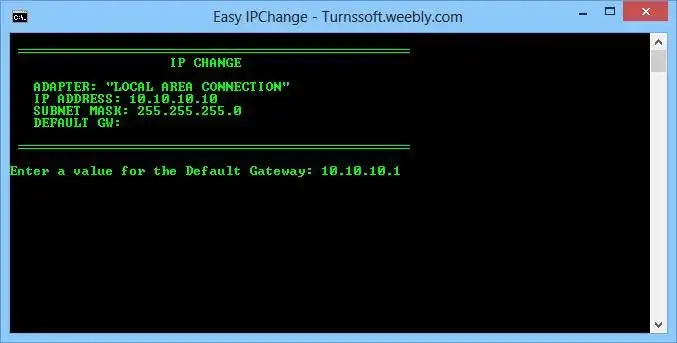
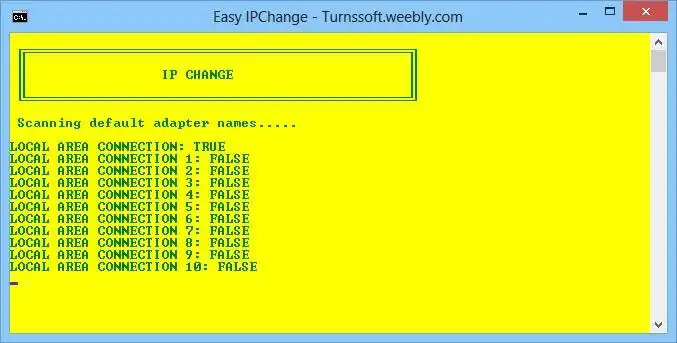
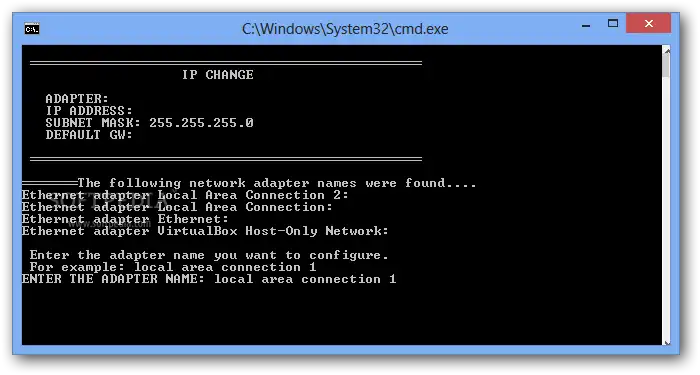
Easy IPChange can be launched directly and used with a nice batch GUI or even automated with CLI arguments! Sweet!
IP change has been developed as a batch script (.bat) designed for the XP command interpreter however is forwards compatible with any current windows OS (Win7 & 8 may need to 'run as admin').
Changing your IP Addy is as easy as:
IPCHANGE /IP 192.168.0.2 /MASK 255.255.255.224 /DG 192.168.0.1
IPCHANGE /DHCP
Easy IPChange is the best free IP Changing script out there so check it out! If you don't like it - tell me about it...and if you do - Win Win!
Check out the Youtube vid
http://www.youtube.com/watch?v=nfee-10CaJk&list=UUq-H3HcL6KzIx2R7ApsNGrA
Features
- Fast command line IP Address changing
- Command line arguments or launch the command interpreter GUI
- Statically assign or set for DHCP
- Totally free - 100% (No Ads or banners)
- Certified 100% virus free by Softpedia http://www.softpedia.com/progClean/IPCHANGE-Clean-234213.html
Audience
Information Technology, System Administrators, End Users/Desktop
This is an application that can also be fetched from https://sourceforge.net/projects/easyipchange/. It has been hosted in OnWorks in order to be run online in an easiest way from one of our free Operative Systems.





